pIRCIS runs IRCIS programs and shows them running.
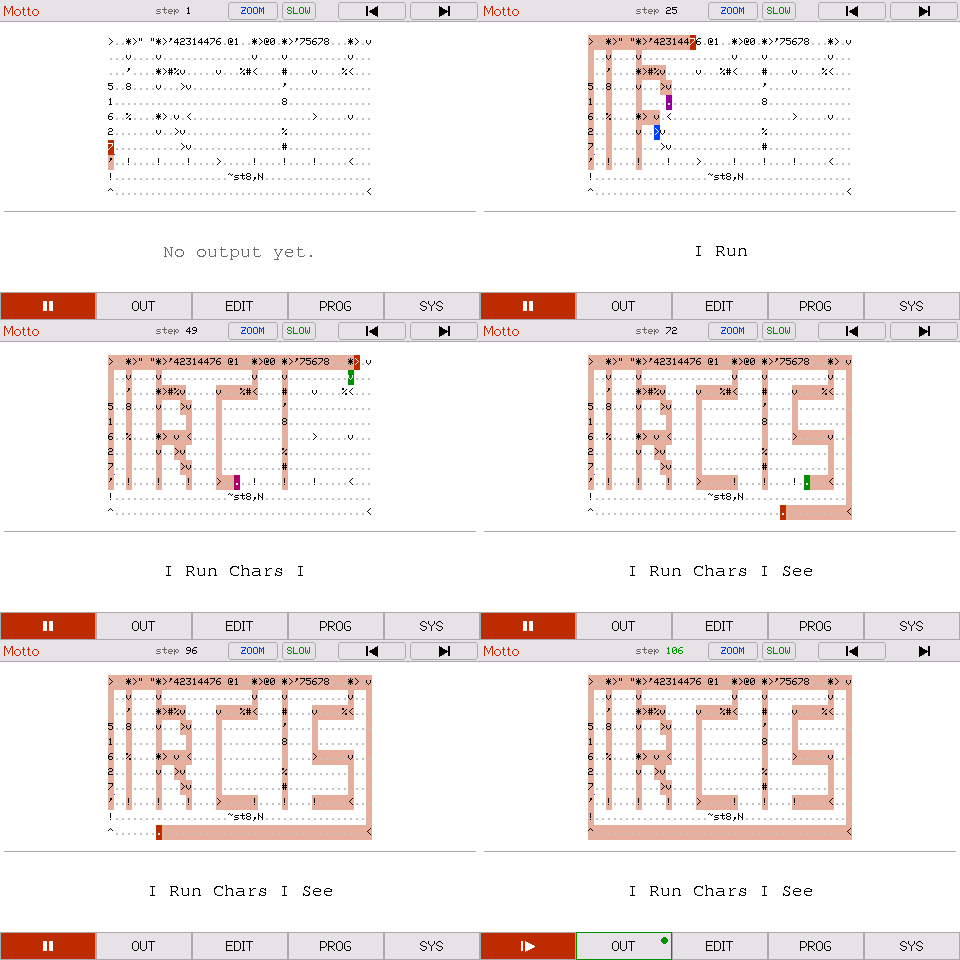
That is a real program running. A runner splits off at each letter and walks its shape, spelling out IRCIS as they go, and each of them prints its own word of what that stands for.
Try it in your browser Nothing to install.
IRCIS is a small programming language by Arjun Nair (batman-nair); the name stands for I Run Chars I See. A program is a grid of characters, and a runner walks across the grid doing whatever it steps on. It goes in a straight line until a character turns it, and it can split into several runners going different ways at once.
pIRCIS draws the grid, moves the runners a step at a time, and lets you edit the program and watch it again.
Learn IRCIS
Learn IRCIS teaches the language from scratch and builds up to writing your own programs. Every example in it is a real program you can run.
Three ways to run it
The browser version is there for a first look. To keep it, there are three ways:
- App Store. The quickest way to try it. The app is free, for iPhone, iPad and Apple silicon Macs. About the app.
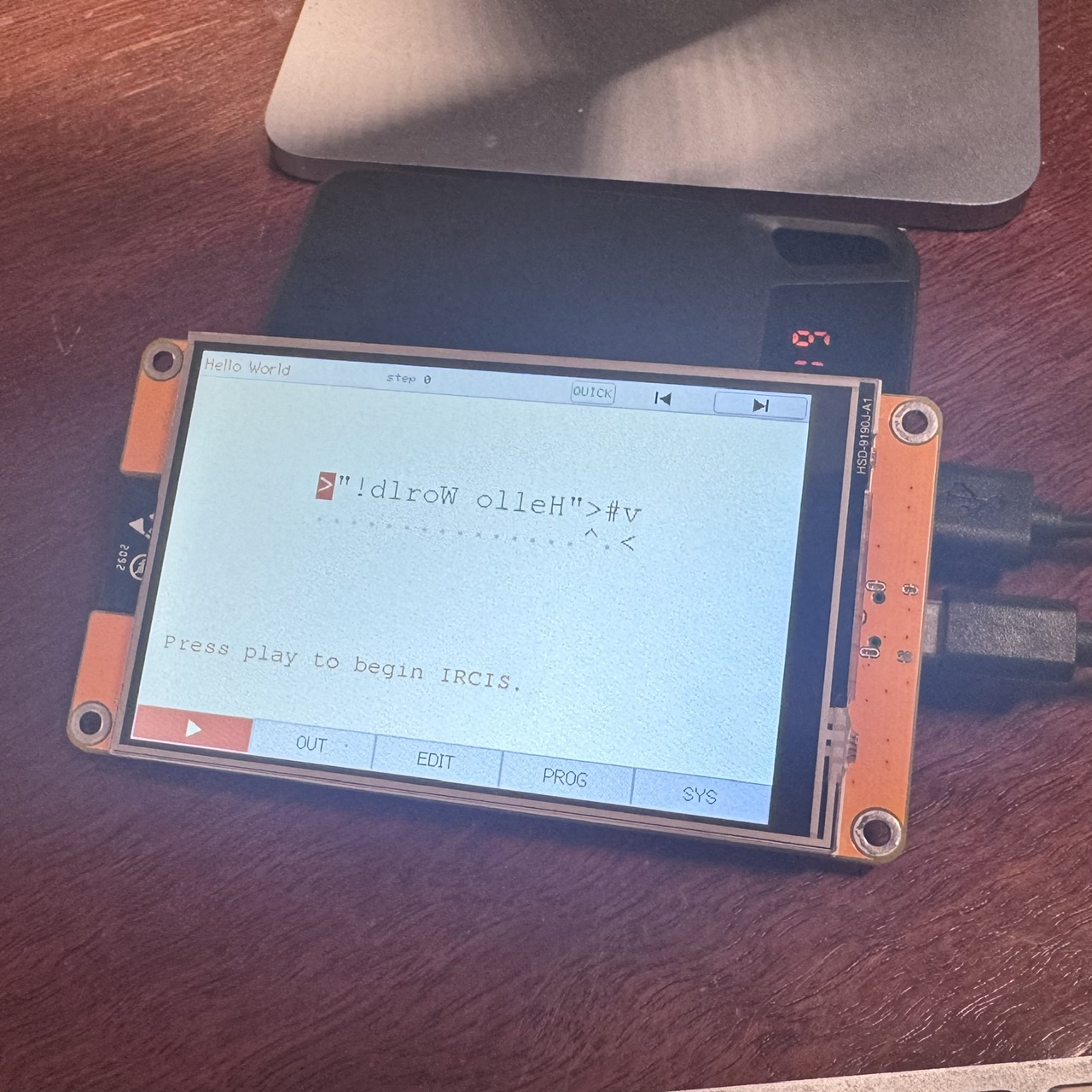
- Board. A cheap 4-inch touchscreen that you load pIRCIS onto over USB.
After that it runs on its own, with nothing else plugged in but power. The
pis for pocket. Getting it on a board. - Emulator. pIRCIS in a window on your own macOS, Windows or Linux computer. It is free too, but it takes some setting up. Set it up.
Some of the programs
pIRCIS comes with 61 programs to run, pull apart and change. All of them are here, ready to copy.
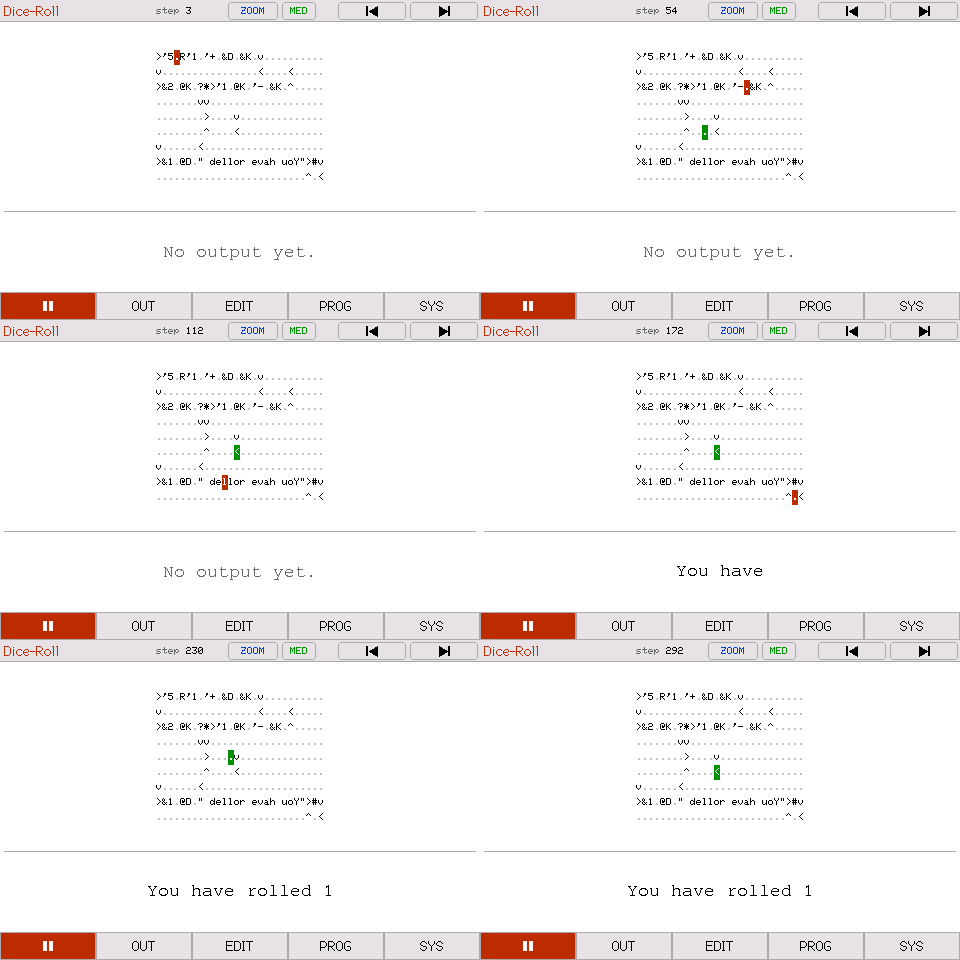 Dice RollRolls a dice, then sends that many runners round a ring so you can count them.
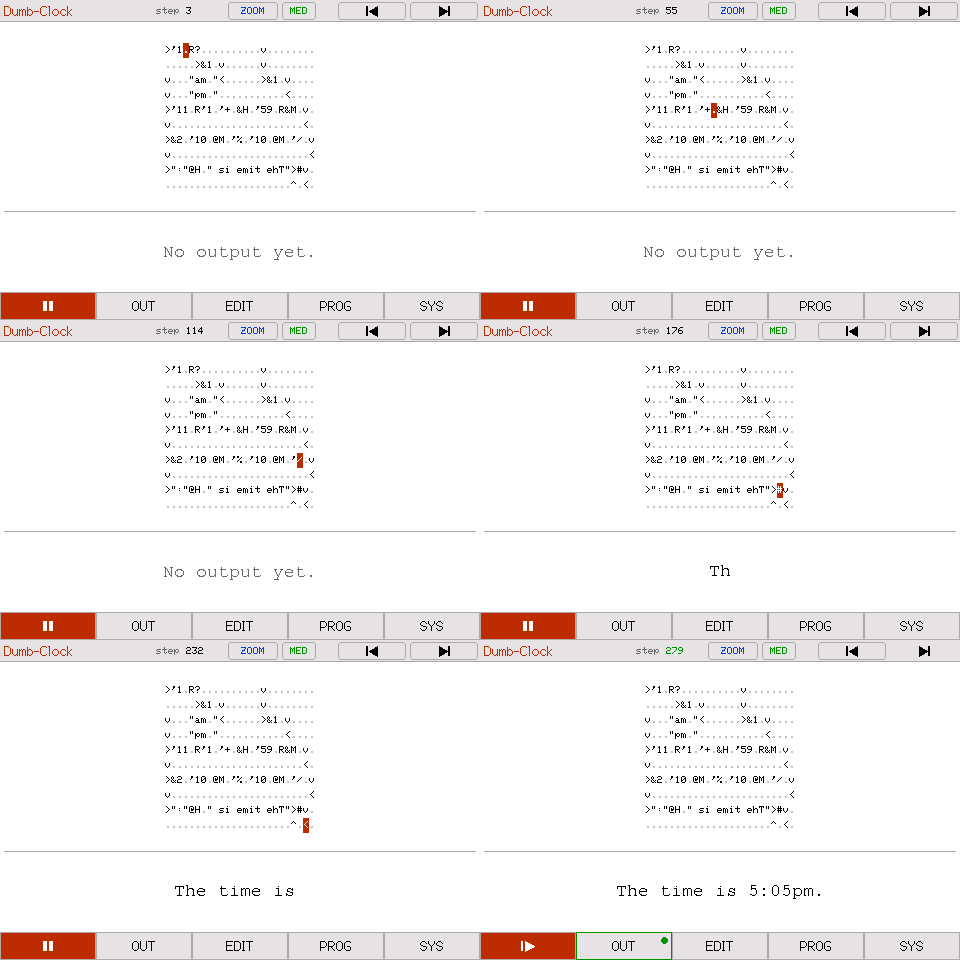 Dumb ClockMakes up a plausible time and reads it out in words.
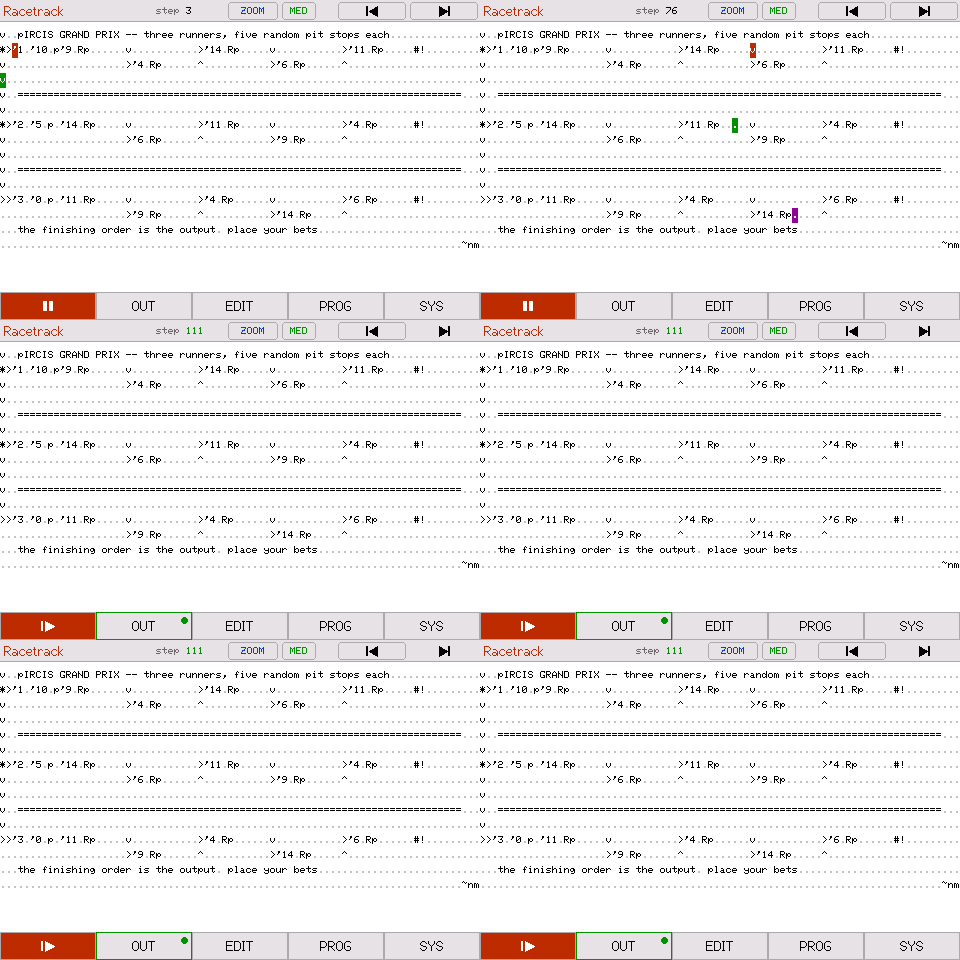 RacetrackThree runners, five random pit stops each, and a winner.
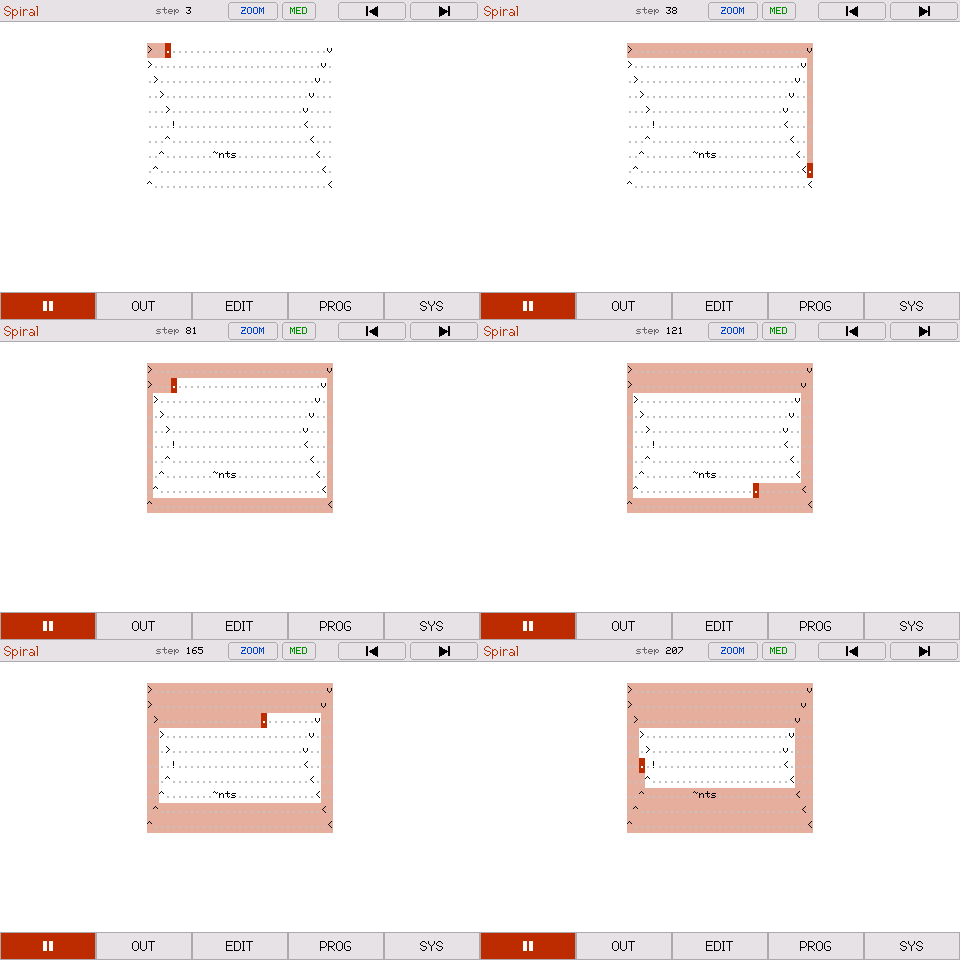 SpiralPrints nothing. One runner winds inward over every cell.
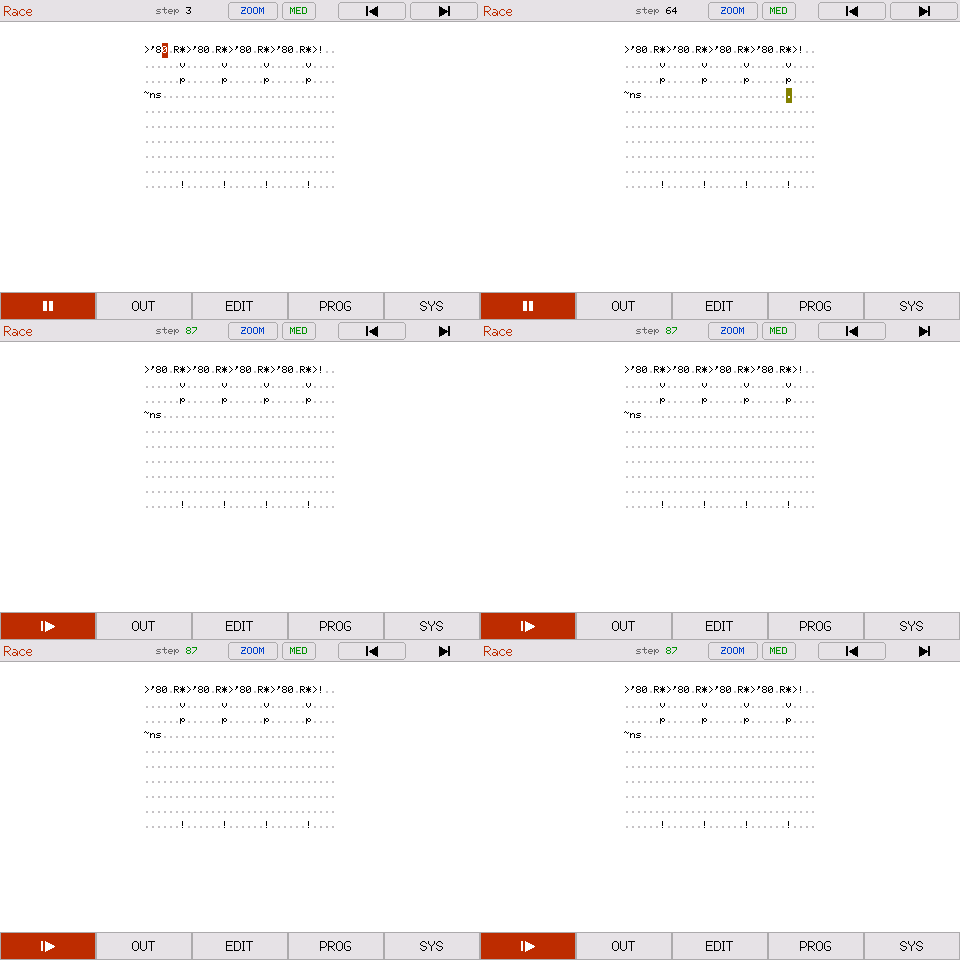 RaceFour runners drop down the grid, each after a random wait.
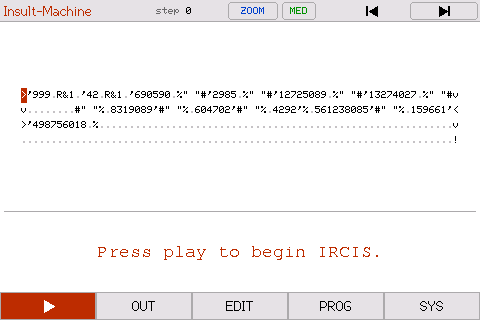 Insult MachineNot a letter anywhere in the grid. Every word is stored as a number.